1. Out of Range Error
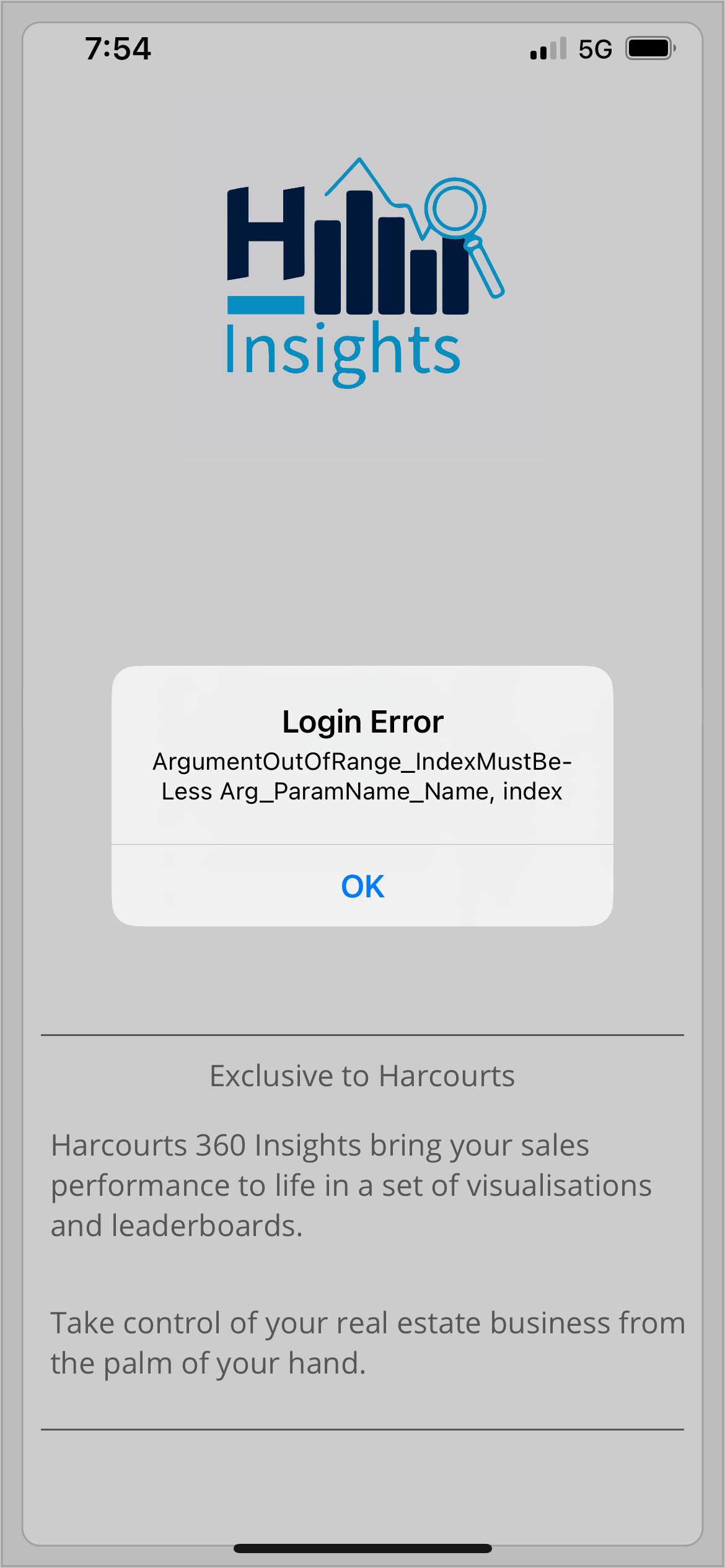
For the above error, please check if there is space in front of email address. At times, when you copy/paste your email address, it carries the formatting as well. Please try typing the email address manually.
2. CRM Access List/ Office Access List not in B2C Claim
For the above one, make sure the user has Office Access Lookup and CRM Access Lookup added on their profile in Hub.
If they are already added, try resaving the profile on Hub. You can reach out to Helpdesk if it still doesn't work.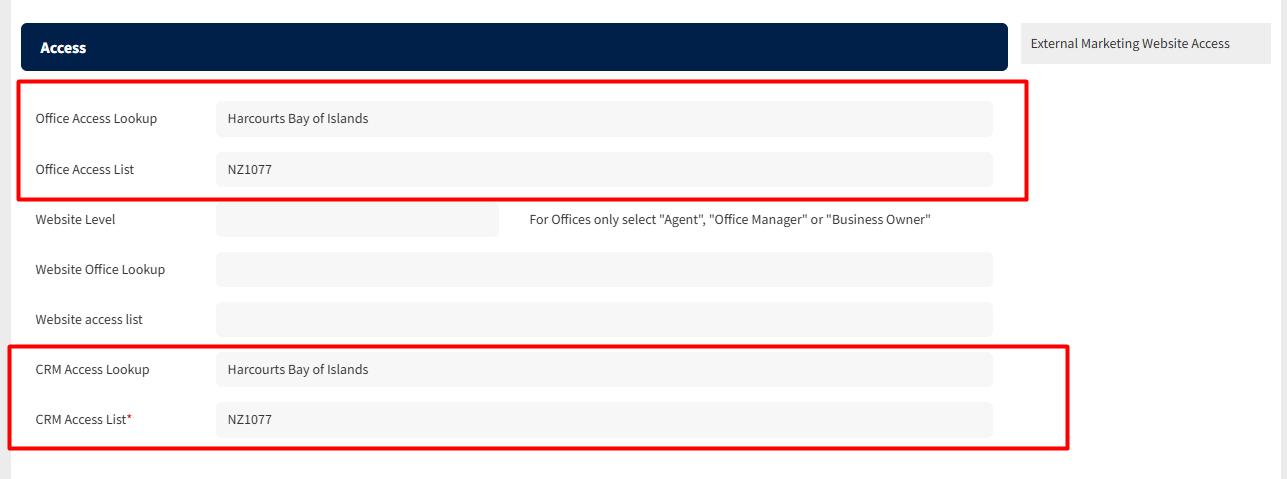
3. Admin staff showing on Insights:
This happens if there is any sale record against their name. Eg- a test property from 2024
At the moment there is no way to remove this automatically, the office can reach out to Helpdesk.
4. Invalid Hub User Role for Staff Member
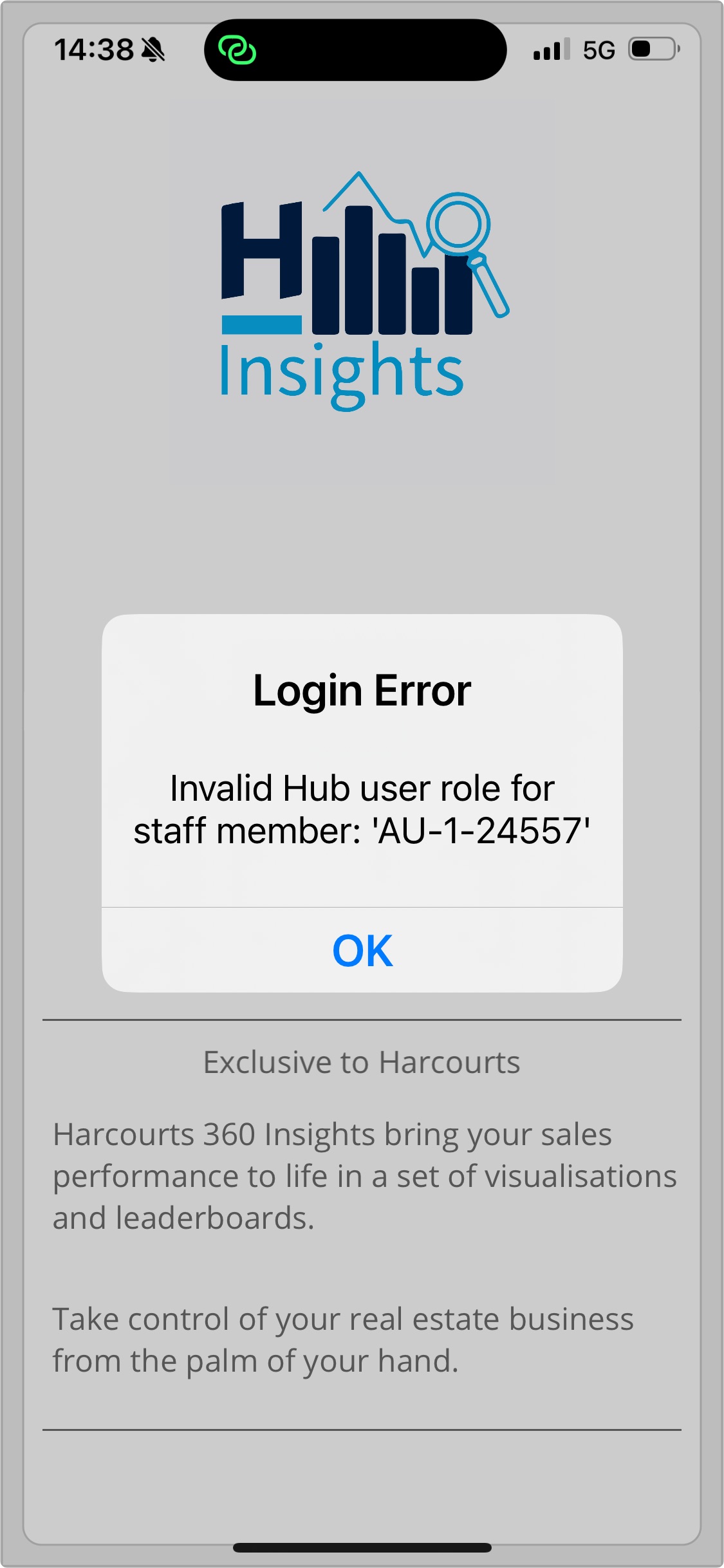 This happens when the user trying to access does not have the appropriate role in Hub to access Insights App.
Only Sales Agents, their PA's, Business Owners and Sales Managers should have access to Insights App.
Was this article helpful?
That’s Great!
Thank you for your feedback
Sorry! We couldn't be helpful
Thank you for your feedback
Feedback sent
We appreciate your effort and will try to fix the article