1. Download the Insights app
Please scan the QR Code below to download Insights App:
For Apple devices:

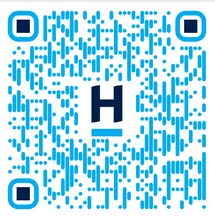
For Android devices:


2. Login
Harcourts Insights app uses Single Sign-On (SSO) to login. This means when you login to the app, it will prompt you to login through Outlook. You will want to enter in your Harcourts email and password in to login successfully. If you are having issues logging in please visit the Help Article below:
Was this article helpful?
That’s Great!
Thank you for your feedback
Sorry! We couldn't be helpful
Thank you for your feedback
Feedback sent
We appreciate your effort and will try to fix the article