Listings feed through from CRM (Vault, Agent Box etc).
Offices should have Excel Australasia feed ticked on the listing to feed through to Brandsuite.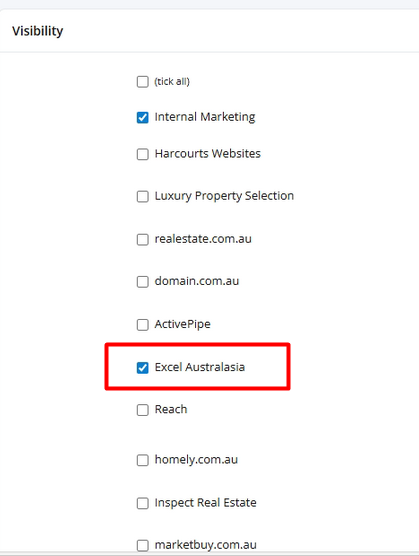
Troubleshooting Listing not feeding through:
1.Check for any feed errors. Example: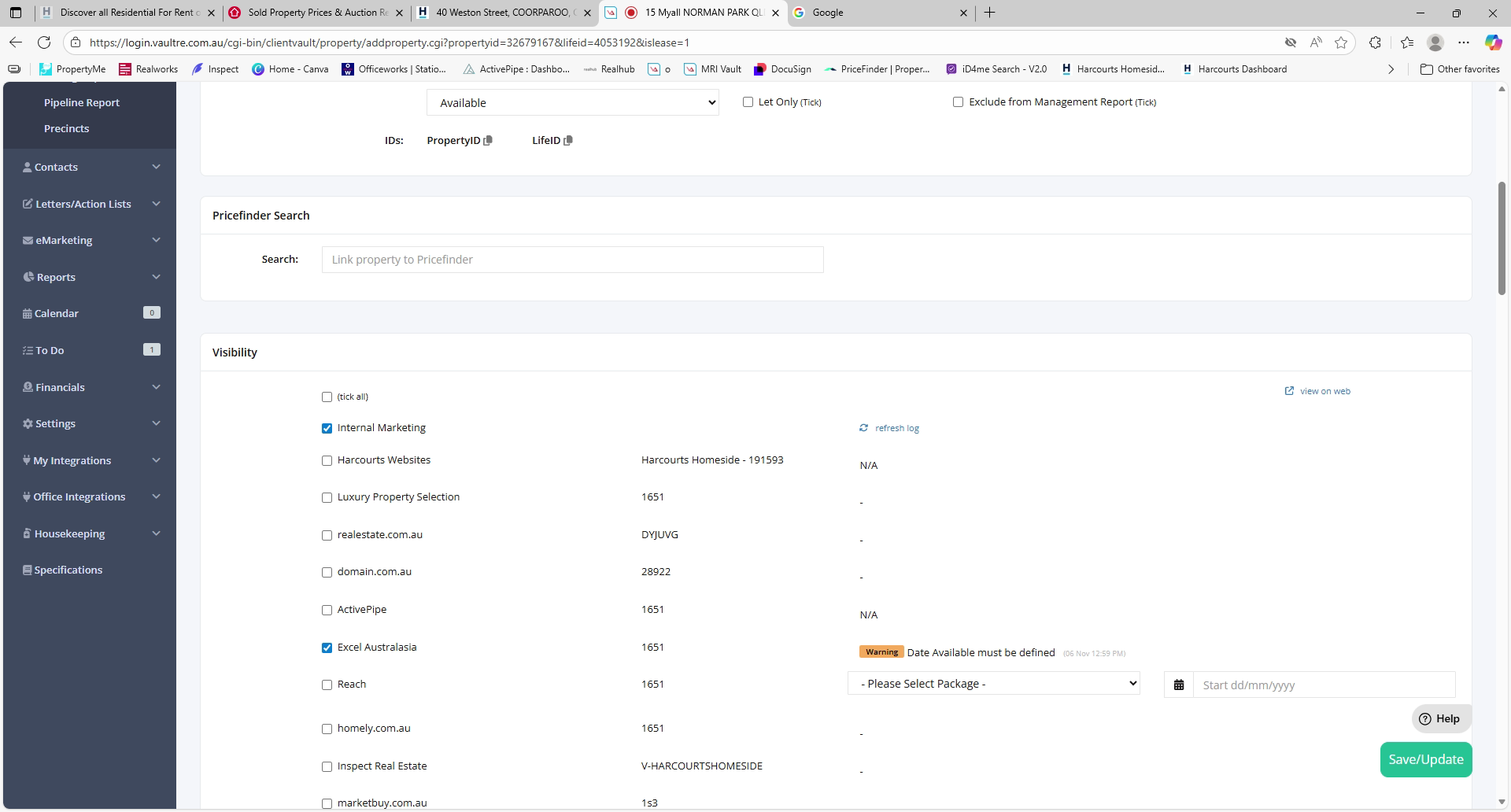
For the above one, they need to enter available date in Vault to feed this through.
2. To have listing appear under the Agent's name, they need to be the Marketing User. Vault and Hub should have the same email address or the listing might not be linked to the user in Brandsuite.
3. If the user is not a promoted user, they can only see their listings and if they're querying about someone else's listing, they might not have access.
4. Property info and Photos feed through via Vault or the CRM you use.
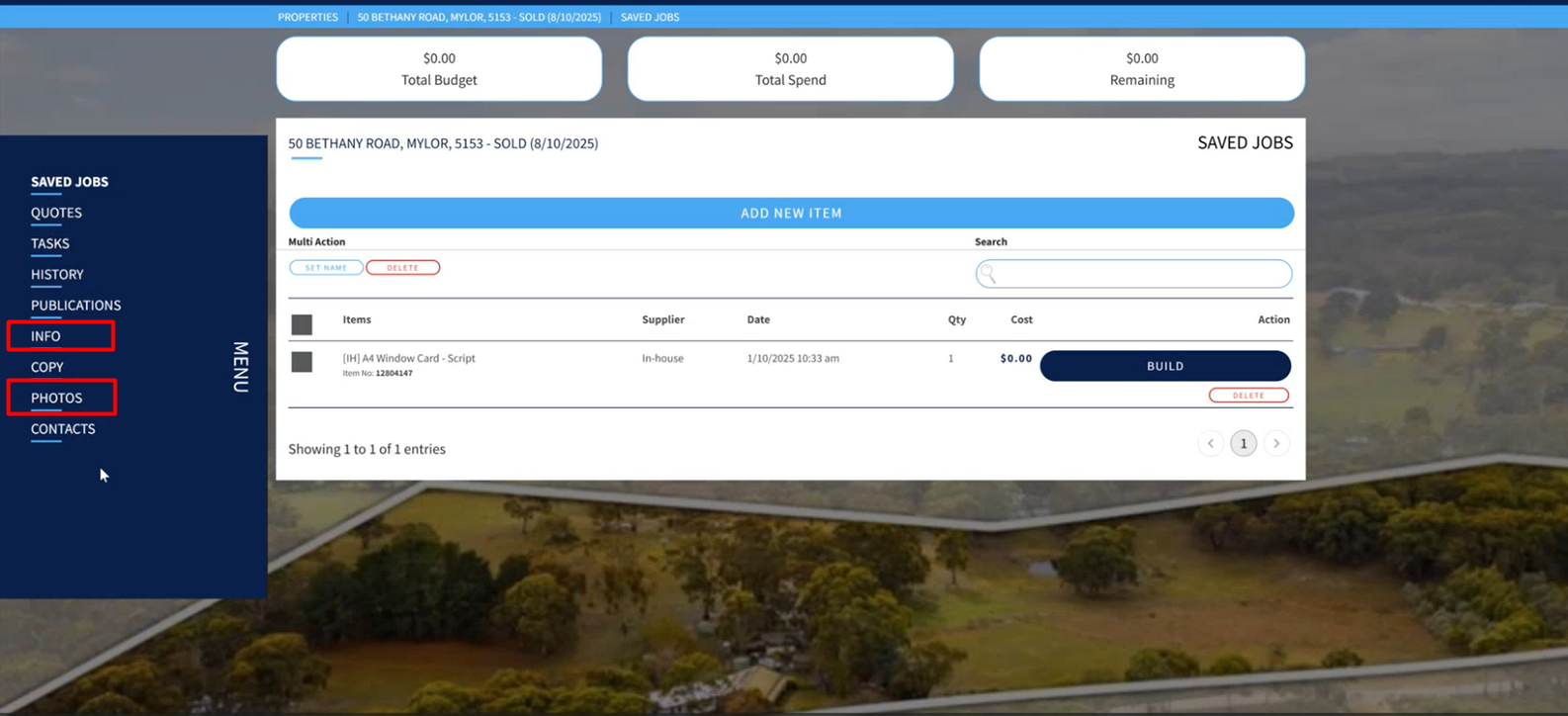
5. Incomplete listings cannot be fed through- eg- if listing has no image, it will not feed though to BrandSuite.
A quick workaround for this is to upload a dummy image and once real images are available, update it later on Brandsuite and Vault.
6. Changing Listing Information on Brandsuite:
Some of the fields are locked in the info section: These are managed via Vault or your CRM.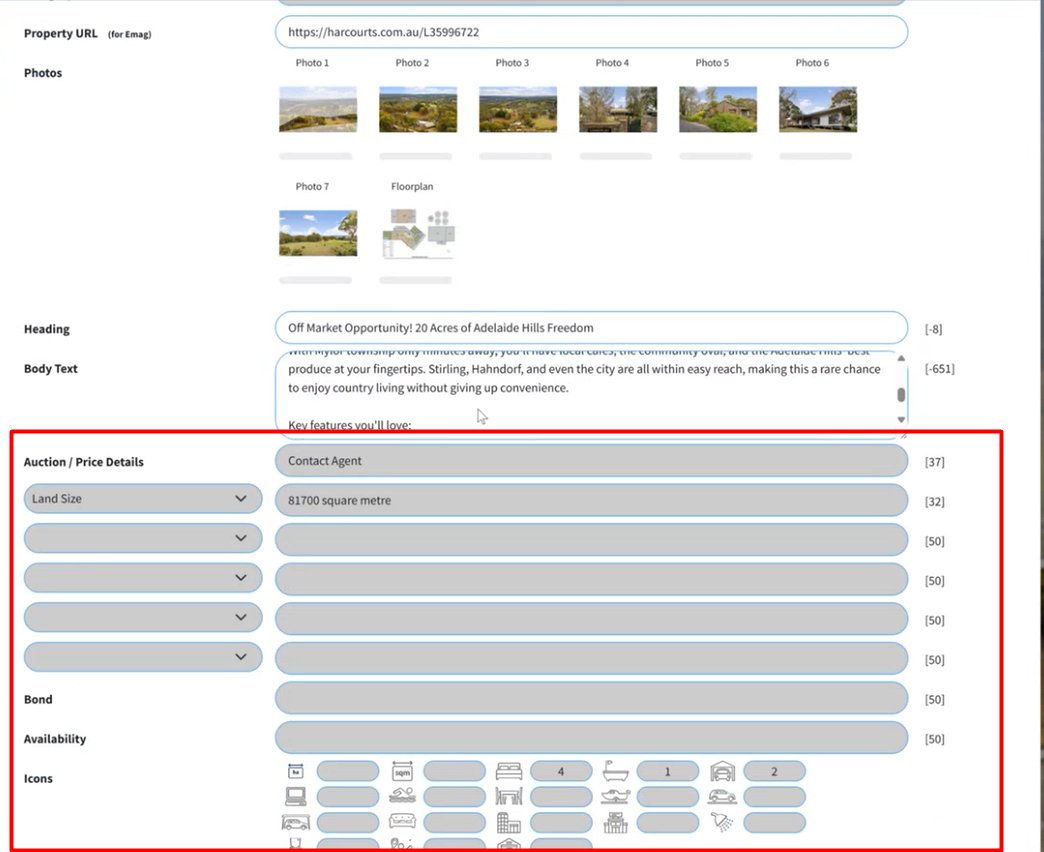
7. Any changes on the listing should feed through upon resaving the listing in Vault or CRM.
Was this article helpful?
That’s Great!
Thank you for your feedback
Sorry! We couldn't be helpful
Thank you for your feedback
Feedback sent
We appreciate your effort and will try to fix the article