Where do Agents headshots feed from?
Agent's headshots feed from Hub.
Below details feed from Hub as well:
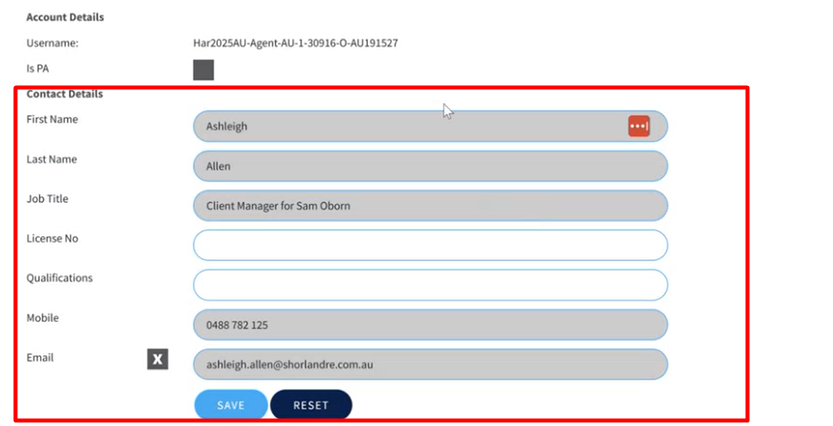
Any changes to their Profile on Brandsuite is managed within Hub. Eg- Name Change, Title, Mobile etc.
How do I check an Agent's headshot?
In Team Members section, look for the user and click View: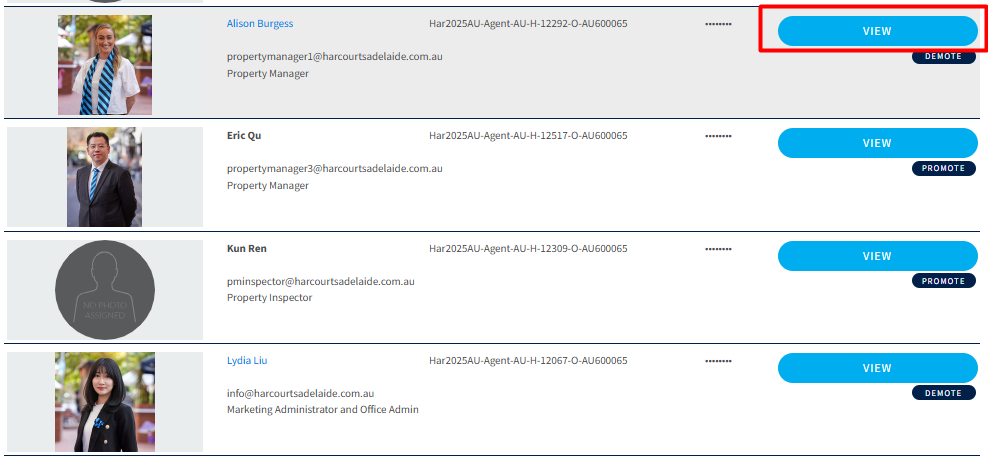
On the next screen, go to Photos section. This is where the headshots are present and can be managed.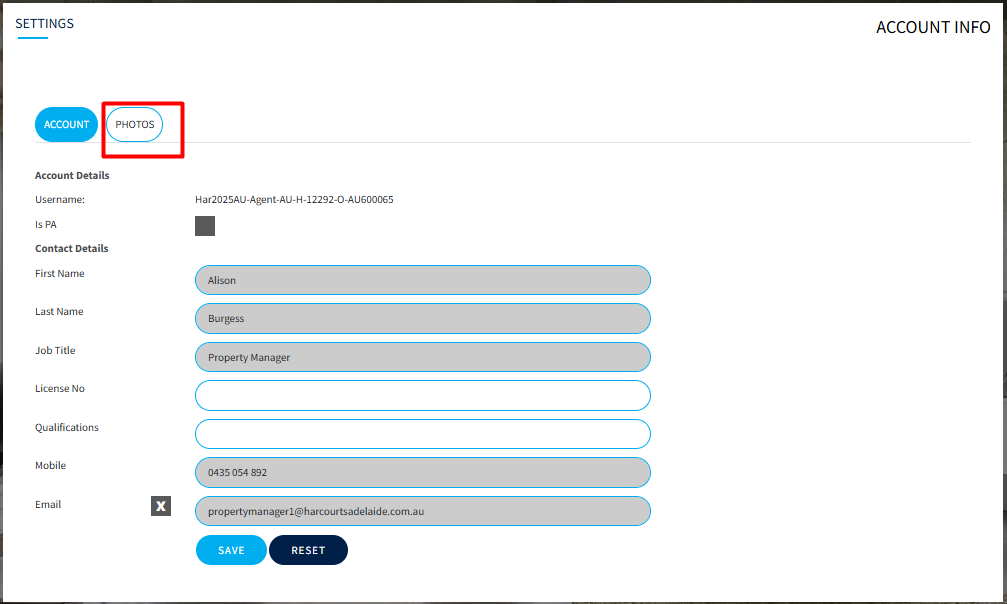
Brandsuite automatically creates a copy of the headshot without the background as well: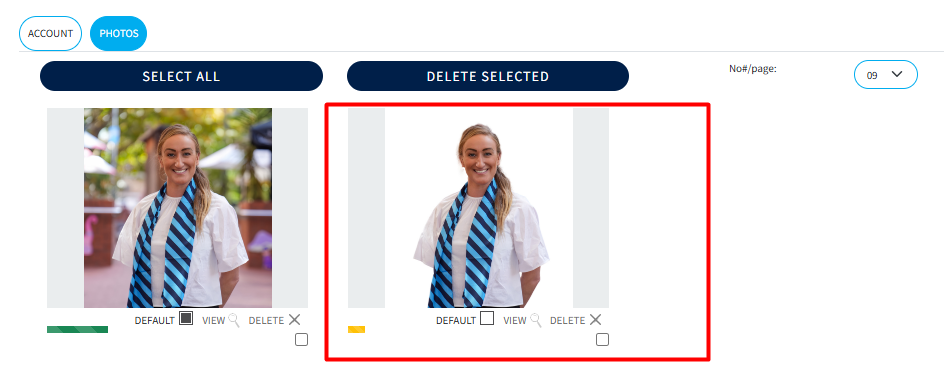
What if the user wants to use a different headshot than Hub?
They can go to the photos section> File Upload (bottom right) and upload new photos. They can also delete the photos by selecting and Delete.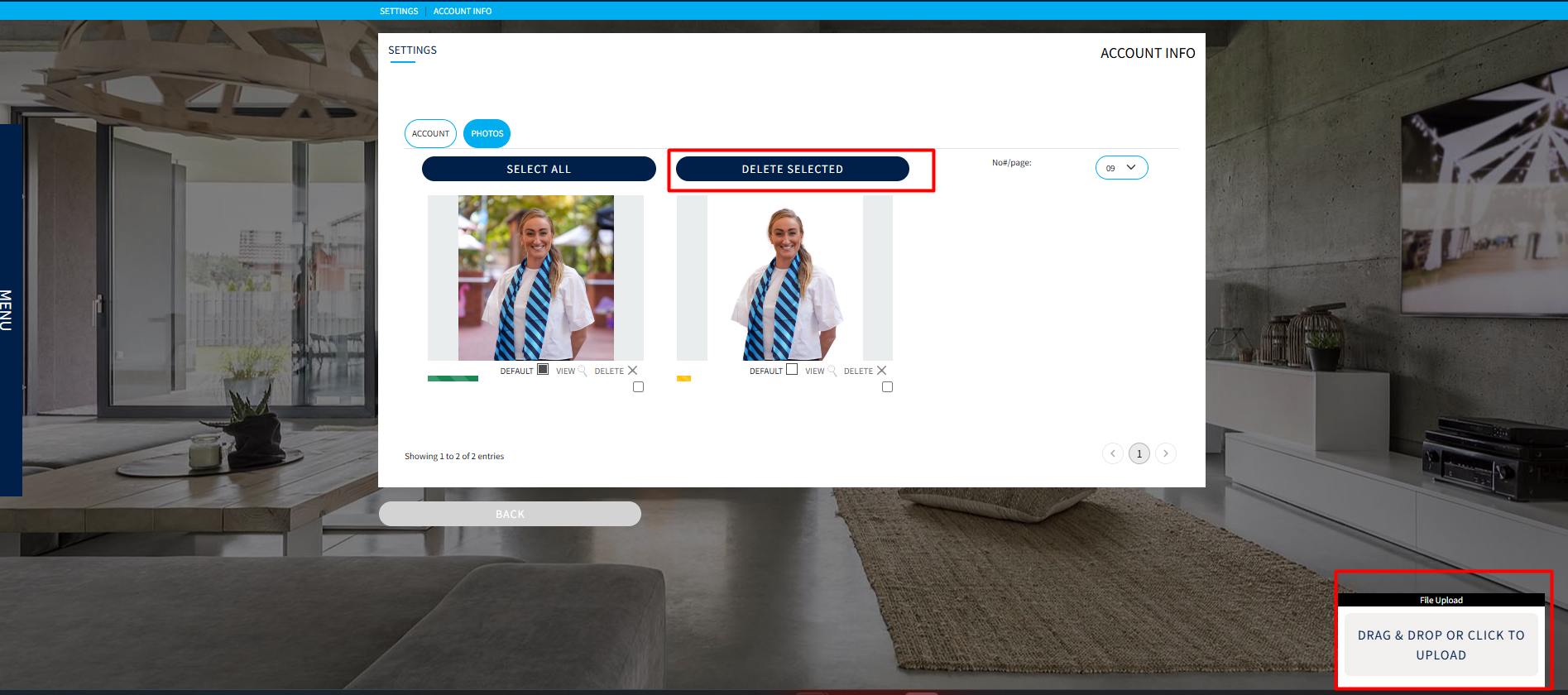
Was this article helpful?
That’s Great!
Thank you for your feedback
Sorry! We couldn't be helpful
Thank you for your feedback
Feedback sent
We appreciate your effort and will try to fix the article